.png)
A golf simulator is worth it if you want to keep practising in bad weather, see accurate numbers on every shot, or enjoy a social game with friends. It is not a replacement for playing on grass, but used well it makes you a better golfer.
This guide explains what a simulator actually does, who gets the most from it, and where it falls short, so you can decide whether indoor golf near Derby or Nottingham is right for you.
What a golf simulator is
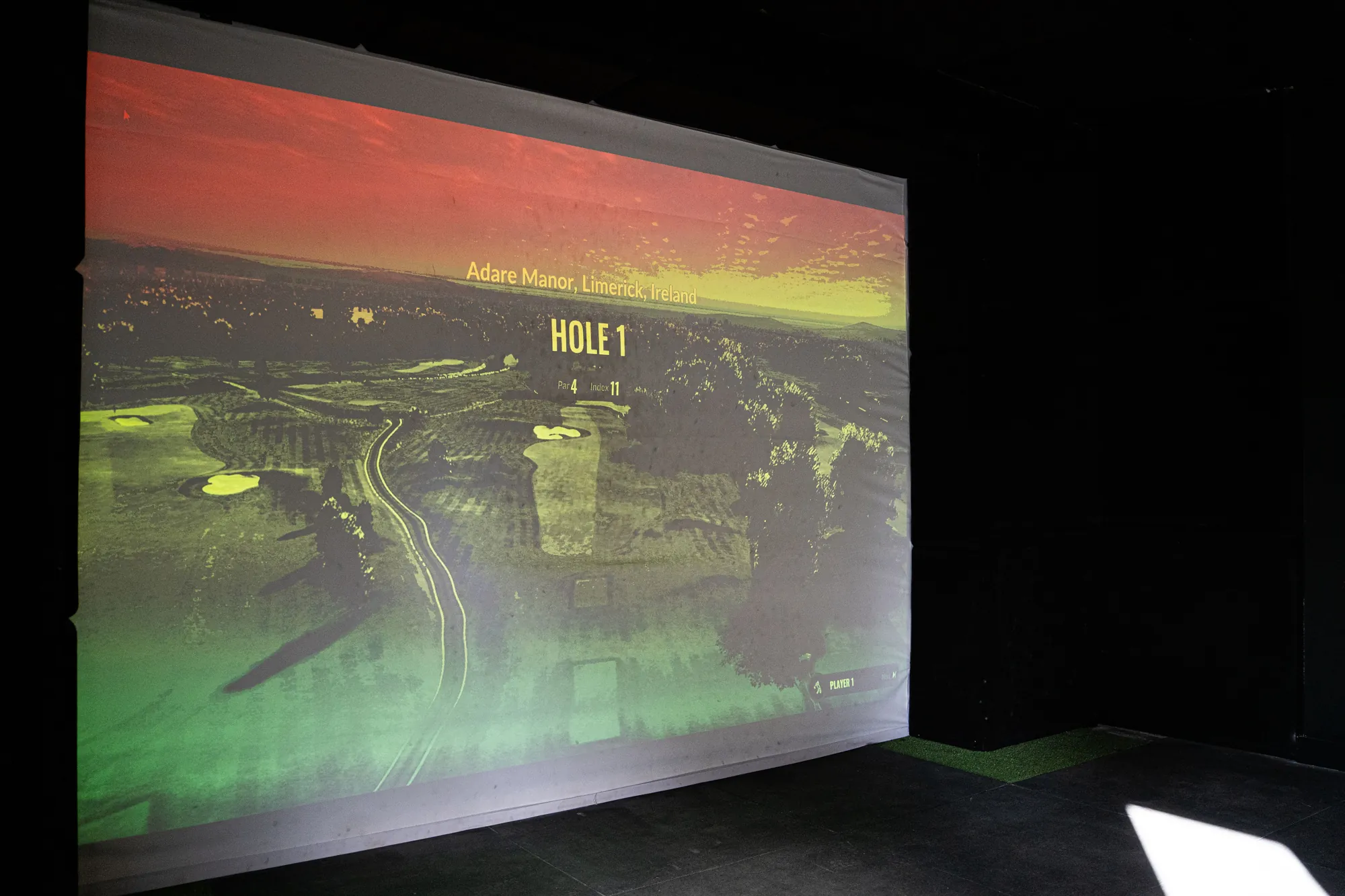
You hit a real ball, with your own clubs, into a screen. A launch monitor measures the club and the ball, and software shows the shot flying down a virtual hole or practice range. You can play famous courses, practise on a range, or run skills tests.
The quality of the experience depends on the launch monitor behind it. TrackMan is a radar based system used by coaches and players around the world. If you want to know what the numbers mean, read our guide to how TrackMan works.
Who gets the most from one
- Golfers who practise through winter. Rain, wind and cold stop many people from playing for months. Indoor golf keeps your swing ticking over.
- Improvers who want data. You see carry distance, ball speed and direction for each swing, so you can learn what works.
- Beginners. Indoor bays are private, so there is no queue and nobody watching while you learn.
- Groups and social golfers. A simulator is a good evening out, and you do not need to be good to enjoy it.
- Busy people. No travel to a course, no four hour round, and you can play in an hour.
What a simulator cannot do
It is only fair to be honest about the limits. A simulator gives you a flat, level lie on a mat. Real golf involves slopes, rough, wind and nerves. You will not learn how to play out of a divot or judge a downhill putt indoors.
Simulator putting is also different from a real green, so treat any indoor putting numbers with care. And because the ball always sits on a mat, a poor strike can feel better than it would on grass. For that reason many improving golfers use a simulator for data and the grass range for strike.
Simulator or driving range?
Both have a place. The right answer often is a mix of the two.
| Question | Simulator | Driving range |
|---|---|---|
| Works in any weather? | Yes | Covered bays only |
| Real ball flight outdoors? | No, you see a screen | Yes |
| Play virtual courses? | Yes | No |
| Good for groups? | Very | Fine, but less social |
| Test strike on grass? | No | Yes, on a grass range |
If you want to learn where your ball really goes in the wind, use the range. If you want to keep your game moving all winter, or enjoy a round with friends, use the simulator. Our guide on what to look for in a driving range near Derby helps you compare the outdoor side.
How to practise well on a simulator
Treat the simulator as a practice tool, not only a game. A few simple habits make it far more useful:
- Warm up with a few easy swings before you look at any numbers.
- Pick one thing to work on, for example your carry distance with a seven iron.
- Hit ten shots, then look at the average rather than the best or worst.
- Change one thing, such as ball position, and see what happens.
- Finish by playing a few holes so you practise under a little pressure.
Do not chase big numbers. Consistent contact and a repeatable path are worth more than an extra ten yards from a swing you cannot repeat.
What it costs
Buying your own simulator costs a lot, and it needs a room with enough height and space for a full swing. For most people it is far cheaper to rent a bay when you want one. You also get a professional quality launch monitor without needing to look after it.
Before you pay for any indoor session, check whether you need to book, how long the slot is, and how many players can share. Splitting a bay between a group of friends usually makes it good value.
Which numbers matter most
A simulator screen can show a dozen figures at once, and that is easy to find overwhelming. For most golfers only a few are worth watching.
- Carry distance. How far the ball flew in the air. This is the number to use when you pick a club on the course.
- Ball speed. The main driver of distance. If it goes up, your carry usually goes up too.
- Direction. Where the ball started and where it ended. A pattern of misses to one side tells you what to fix.
- Consistency. How tightly your shots group. A tight group of average shots beats one lucky long one.
Write your carry distances down for each club after a session. That list becomes a very useful guide on the course, and it takes ten minutes to make.
A realistic view of progress
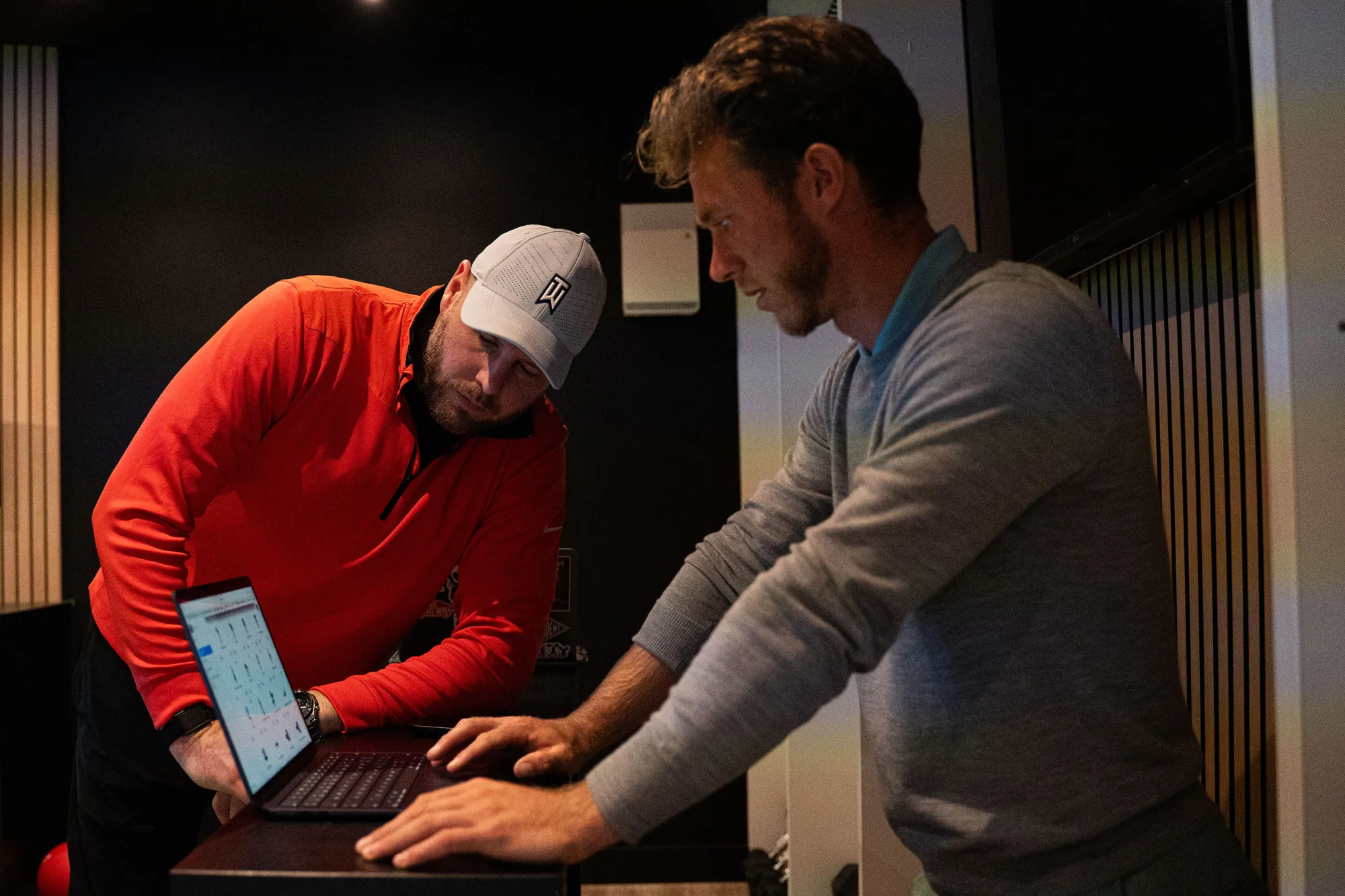
A simulator will not fix your swing by itself. It shows what happens, but it cannot tell you why, or what to change. Golfers who improve fastest tend to pair indoor practice with a few lessons, so the data has a purpose. If you only hit balls and watch numbers, you may find you stay the same.
Think of it as a mirror. It is honest, it is always available, and it makes good practice easier. The learning still comes from you, and from a coach who can read it with you.
Indoor golf at Evolution
Evolution Golf Academy has indoor golf simulators, with TrackMan in each bay, at Ormonde Fields Golf Club in Codnor. It is about 20 minutes by car from Derby and from Nottingham, so it works for both: see the page for golf simulators for Nottingham if that is nearer to you. Simulator bays take up to four players, and walk-ins are welcome with no booking needed. You can also book ahead for £6 per half hour, Monday to Friday, 3pm to 10pm, at least 30 minutes before.
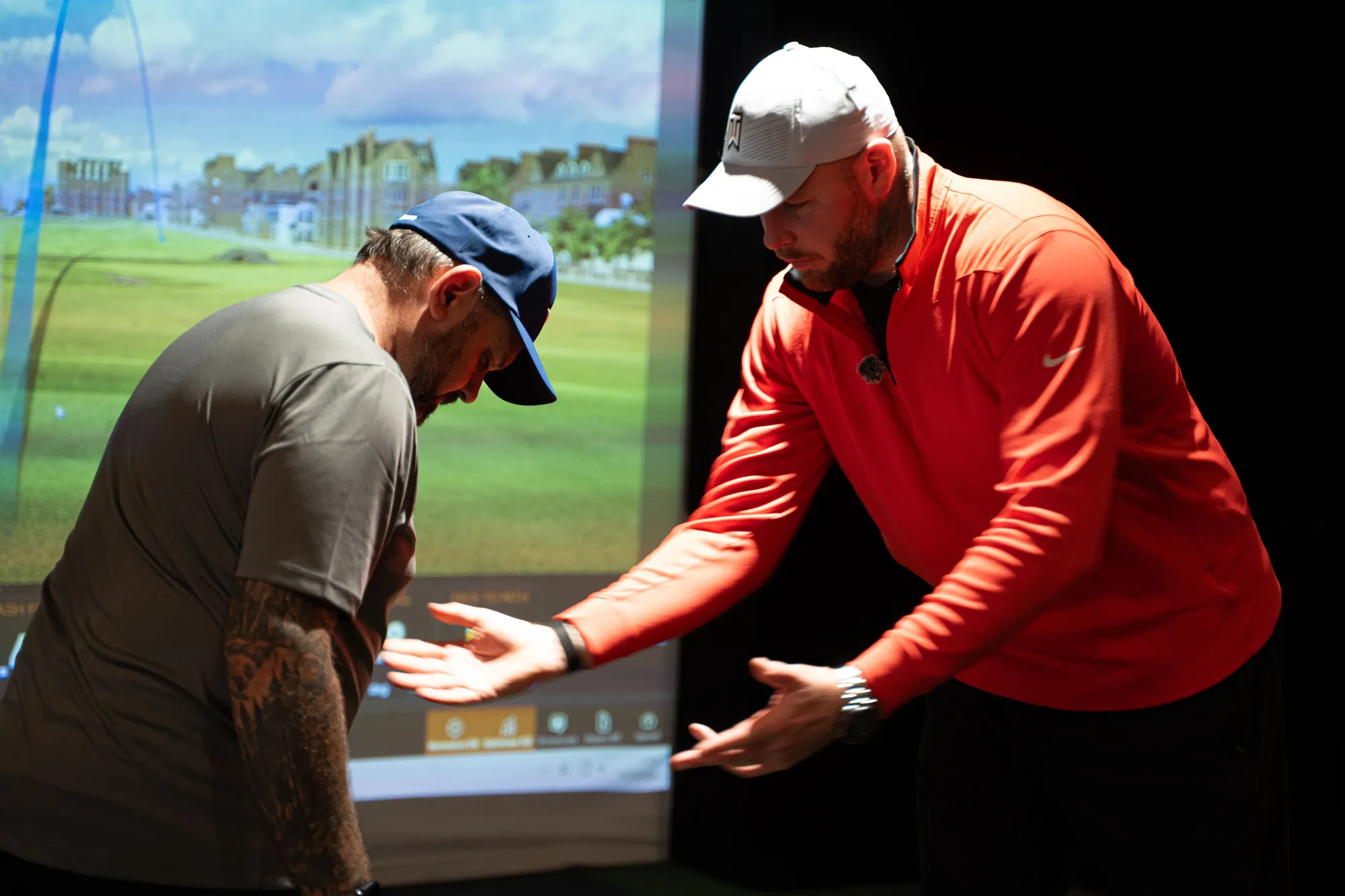
If you would like help turning the numbers into a better swing, a PGA Professional can use the same data in a lesson. See golf lessons in Derby for more.
Want help putting this into practice?
Book a Session